Chapter
Showroom Generation with AI Assistant
The AI assistant guides you step by step to the hyper-personalized Showroom.
Switch to the "Showrooms" menu item and click on the "New Showroom" action button. The AI assistant starts the interview. Follow the questions.
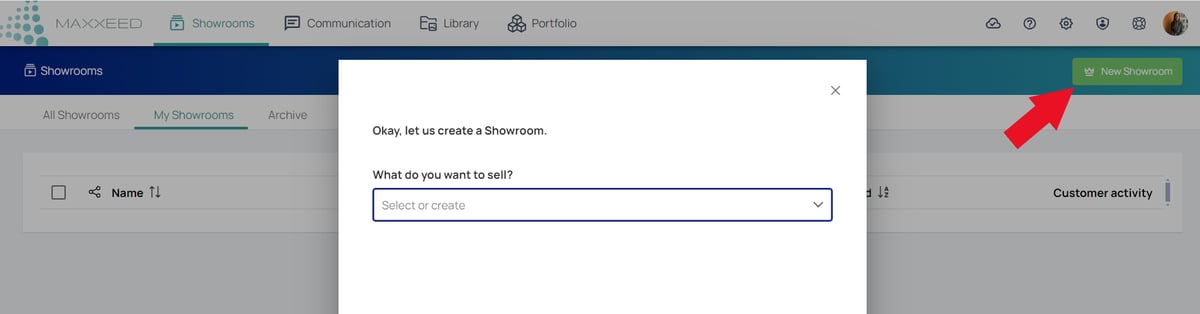
The Showroom AI Assistant guides you to the hyper-personalized Showroom for your buyer. The Assistant will ask you how well you already know your target customer.
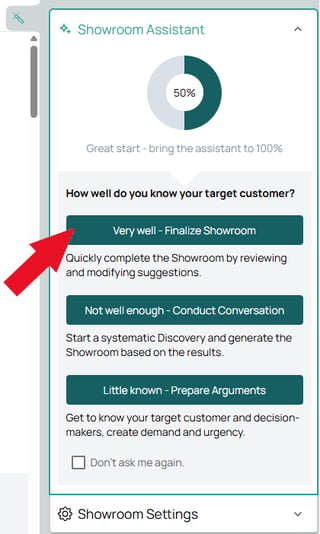
If you already know your target customer well, the Assistant asks you a few questions and you can either confirm or change its assumptions. It will show you your progress and guide you to 100%.
If you change the assumptions/suggestions, the progress bar will split. Dark green means that these changes have already been taken into account in the generation. Light green indicates that there are changes that have not yet been taken into account. Regenerate to create the Showroom with the new information.
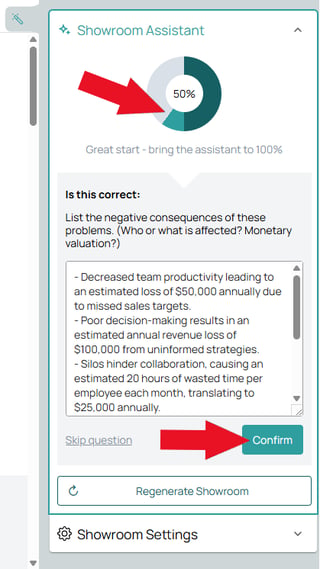
As long as the assistant is not set to 100%, it tries to prevent manual changes (editing) of content. Only after a second attempt to edit something you can pause the assistant and edit manually.
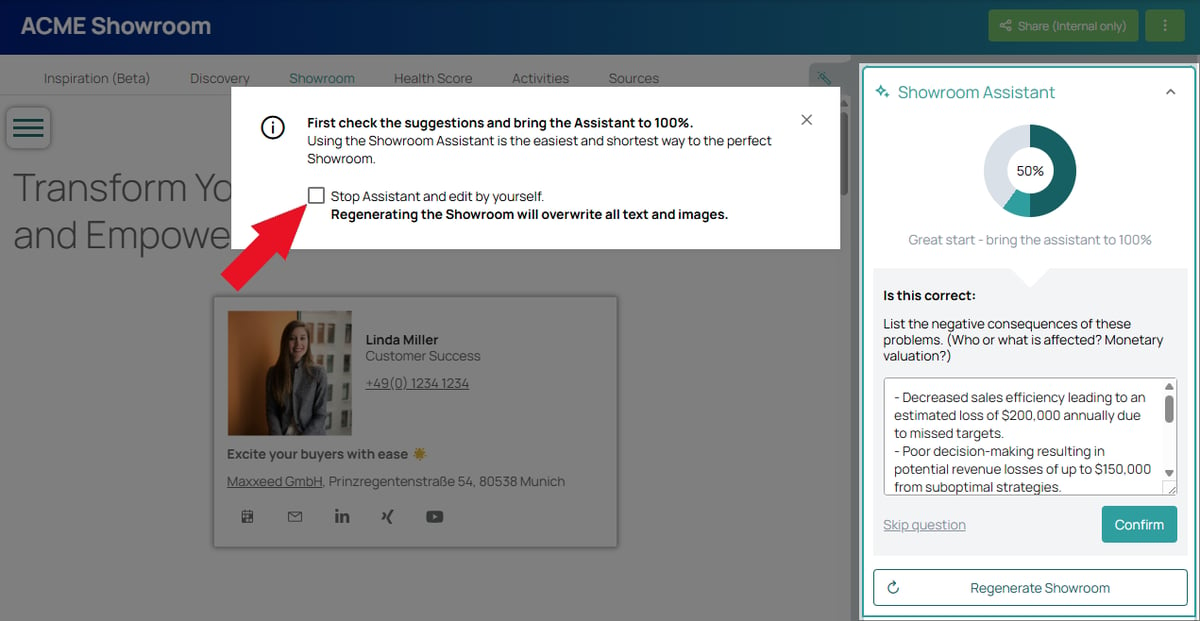
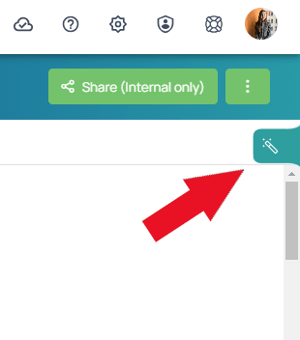
At 100% or paused, the assistant is hidden in the folded flap on the right. Click on it to open it.