Chapter
Showroom Access and Recordings
See when and how often your Showroom has been visited and view session recordings.
Activities: As soon as you have shared a Showroom, the access information is displayed in the "Activities" sub-menu.
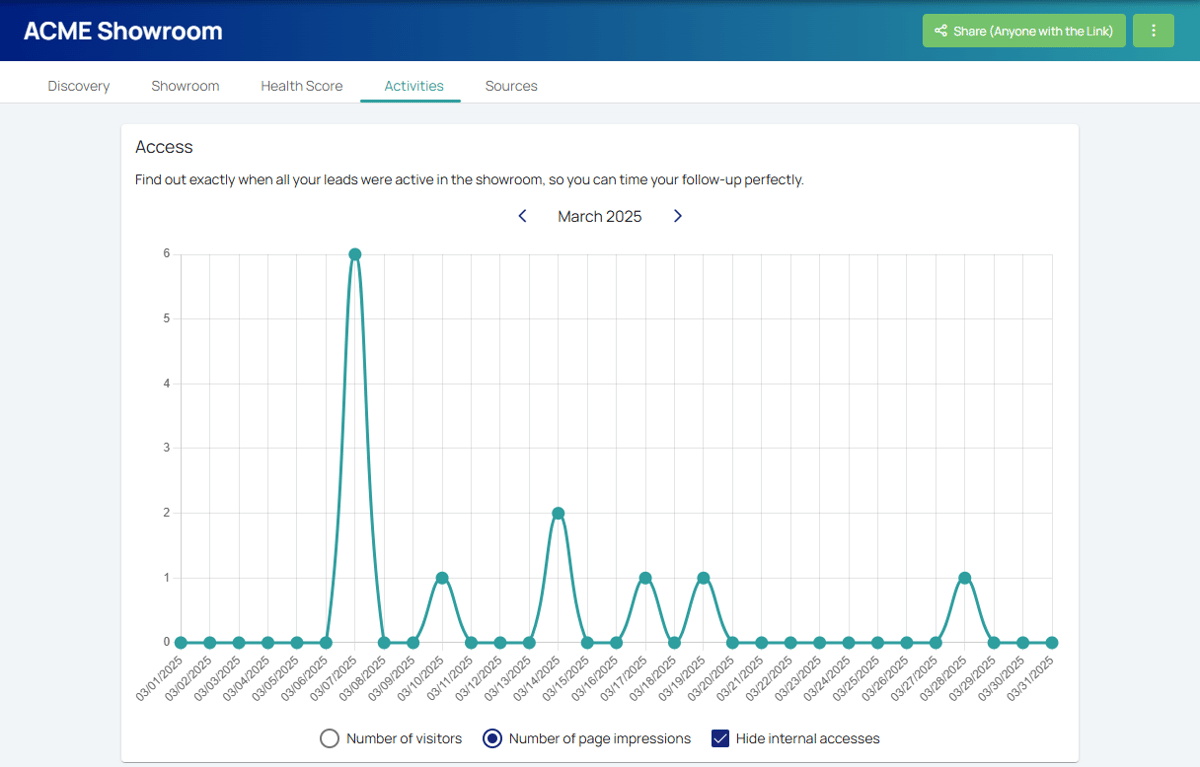
Access: Here, you can see when and how often your Showroom has been visited. All visits, including those from visitors who haven't accepted cookies, are displayed. Visits from your Maxxeed account or logged-in team members are not counted.
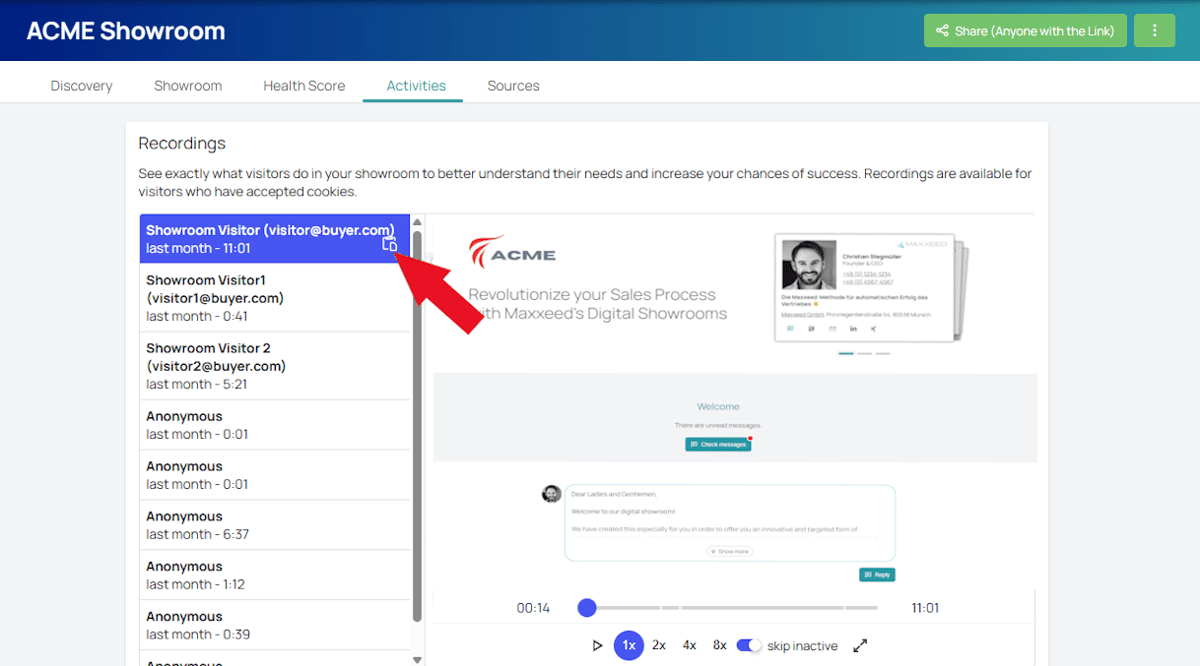
Recordings: In case the Showroom visitors have accepted the cookies, you can view their Session Recordings including date, time and duration here. If the visitors have logged into the Showroom, you will also see their names and email addresses; otherwise they will be displayed as anonymous. You can copy the link to the recording and share it with other Maxxeed users in your team.