Chapter
Showroom Chat Group
Who can read, who can write — and how email notifications work.
For Maxxeed users in the company account
Read rights for all: all chats can be read.
The Sales Team Members (= visible business cards in the Showroom) are automatically added to the chat group. They can write messages, be mentioned and receive e-mail notifications.
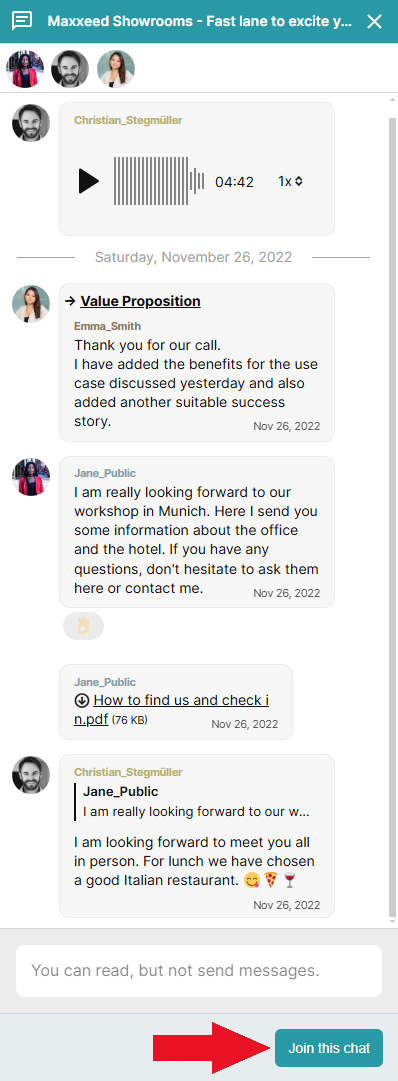
All other Maxxeed users can join the chat group for writing if needed (e.g., holiday replacement) and leave it again at any time.
For Showroom visitors
Read rights: the Showroom chat can be read.
Access without restriction: "Anyone with the Link" must log in to write in the chat.
Access with restriction: "Only recipients" or "All of an internet address (domain)" can join the chat group for writing using the button.
Email notifications
Both Maxxeed Users and Showroom Visitors in the chat group receive email notifications.
Email notifications can be deactivated for an individual Showroom chat group or for all chat groups.
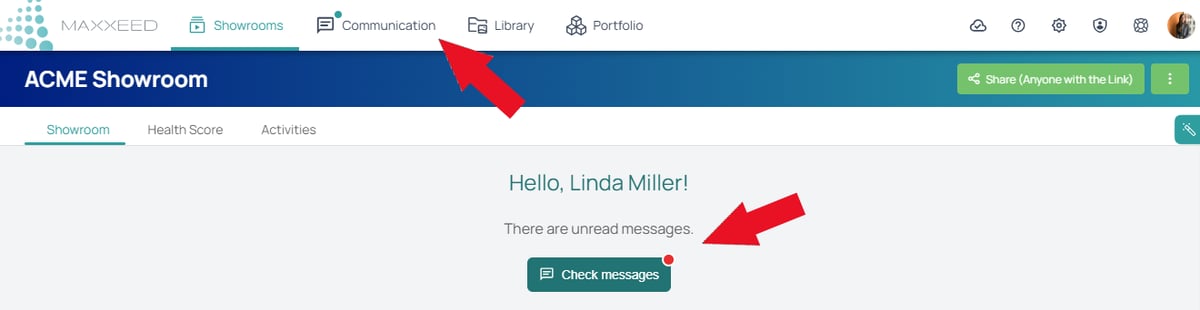
In the menu item "Communication" you will find all Showroom chat groups in which you participate.